Talking Photo
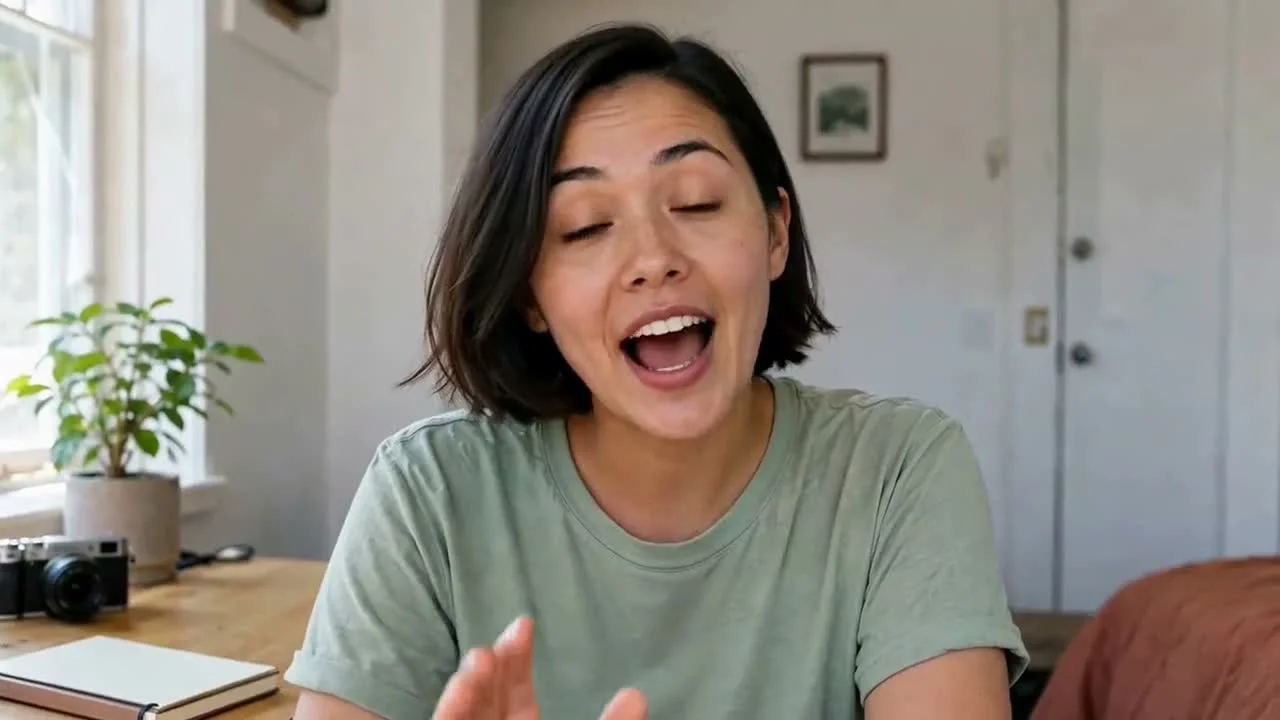
AI Talking Photo Generator
The AI Talking Photo Generator turns one portrait, illustration, or avatar and an uploaded audio track into a speaking video. Use it for character dialogue, presenter clips, course narration, or voice-led content when you do not have matching footage to film.
AI Talking Photo Features for Speaking Videos
Start with one character image and the speech audio you already have, then create a video that gives the voice a visible speaker.
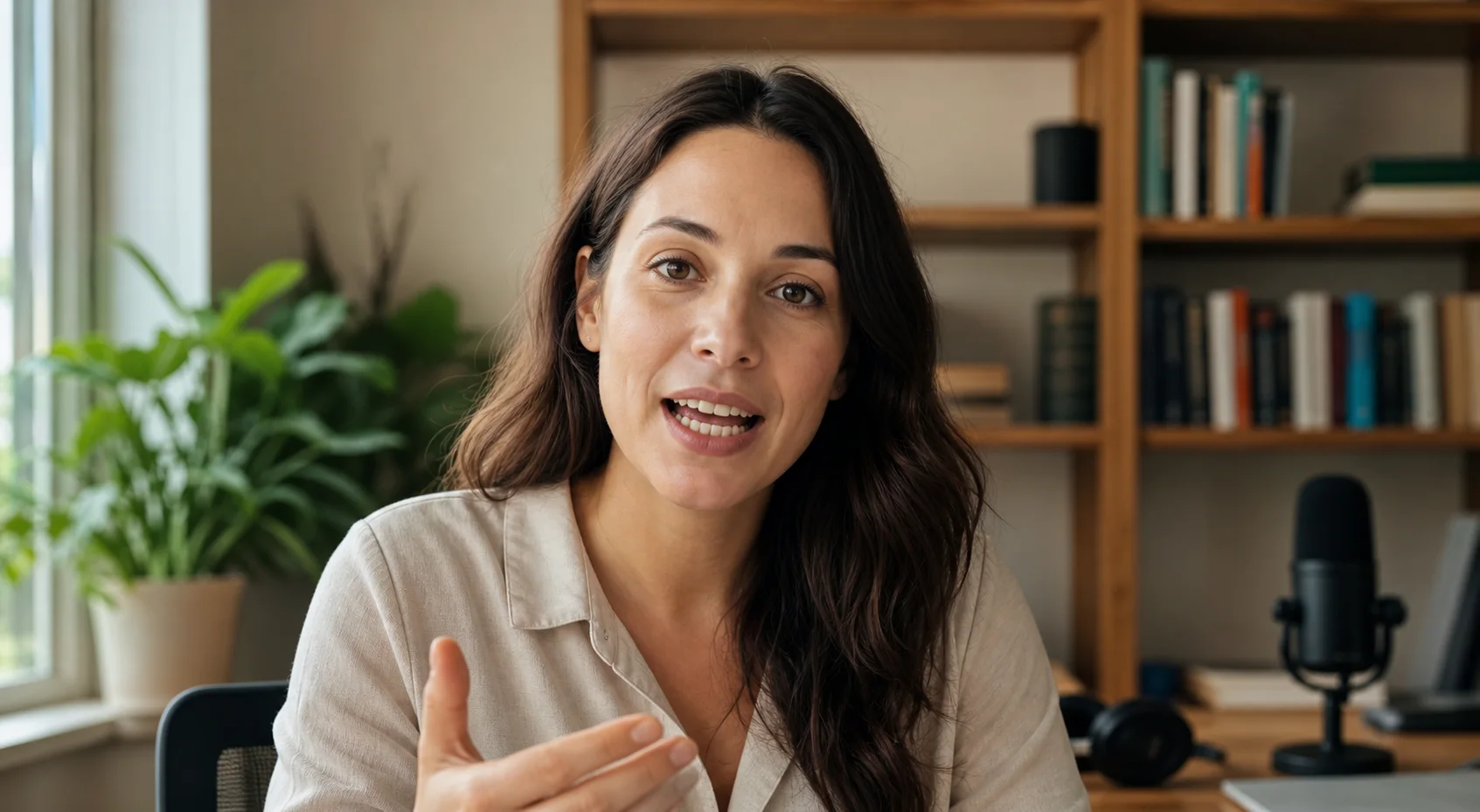
Match a Photo to Your Voice Recording
Upload dialogue, narration, or a voiceover and use it to animate the person or character in your image. Mouth movement follows the timing of the recording, so you do not need to animate each word by hand.
- Use recorded dialogue, narration, or podcast audio
- Keep the pauses and speaking pace from the source recording
- Create lip movement without drawing mouth positions manually
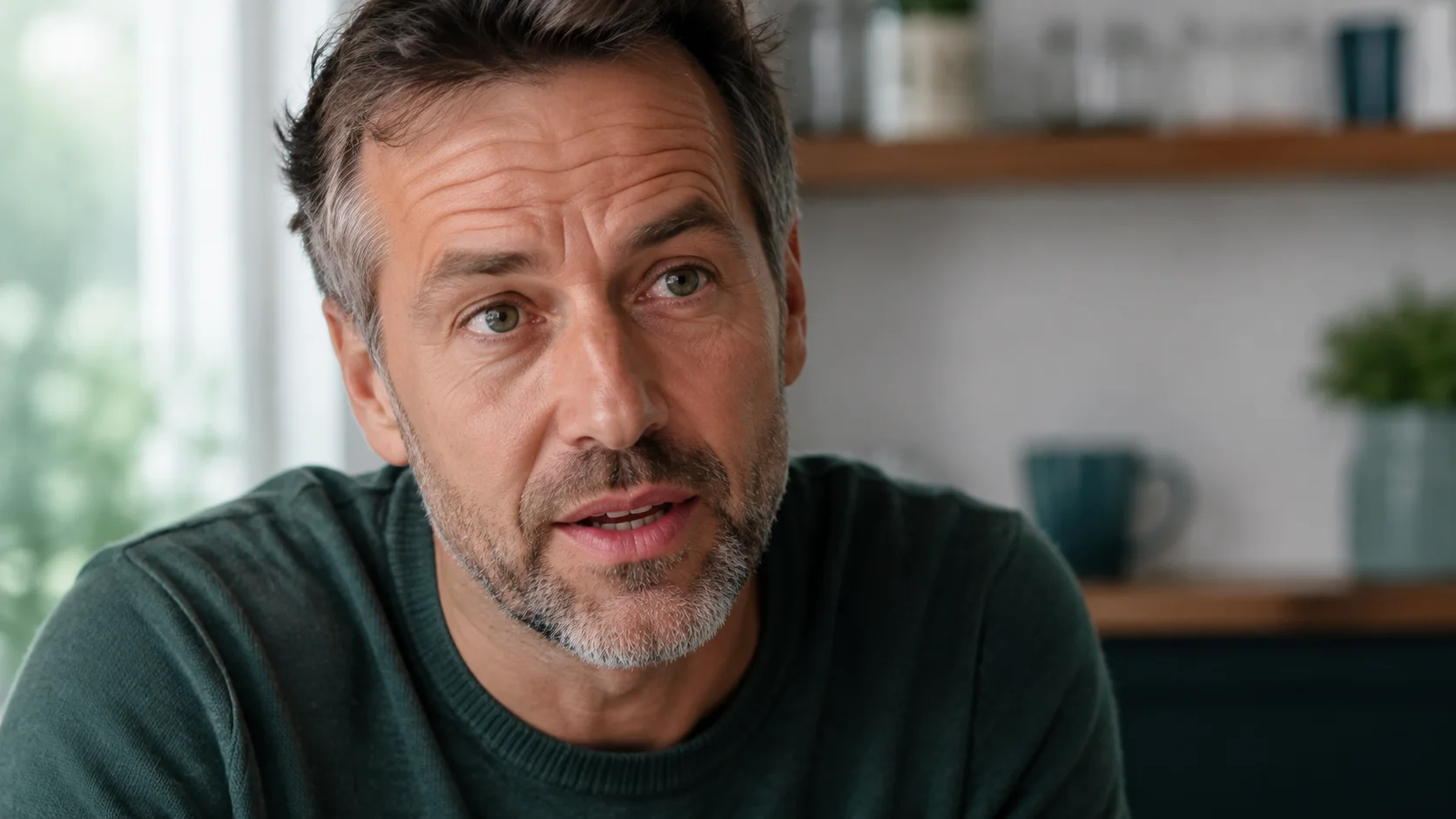
Add Expression to a Still Character
A talking photo can add small changes around the face, eyes, and head while the subject speaks. The amount and style of movement depend on the source image and audio, so each result should be reviewed before use.
- Give a static portrait a visible speaking performance
- Use clear facial details to help the model interpret the subject
- Regenerate with a clearer image or audio track when needed
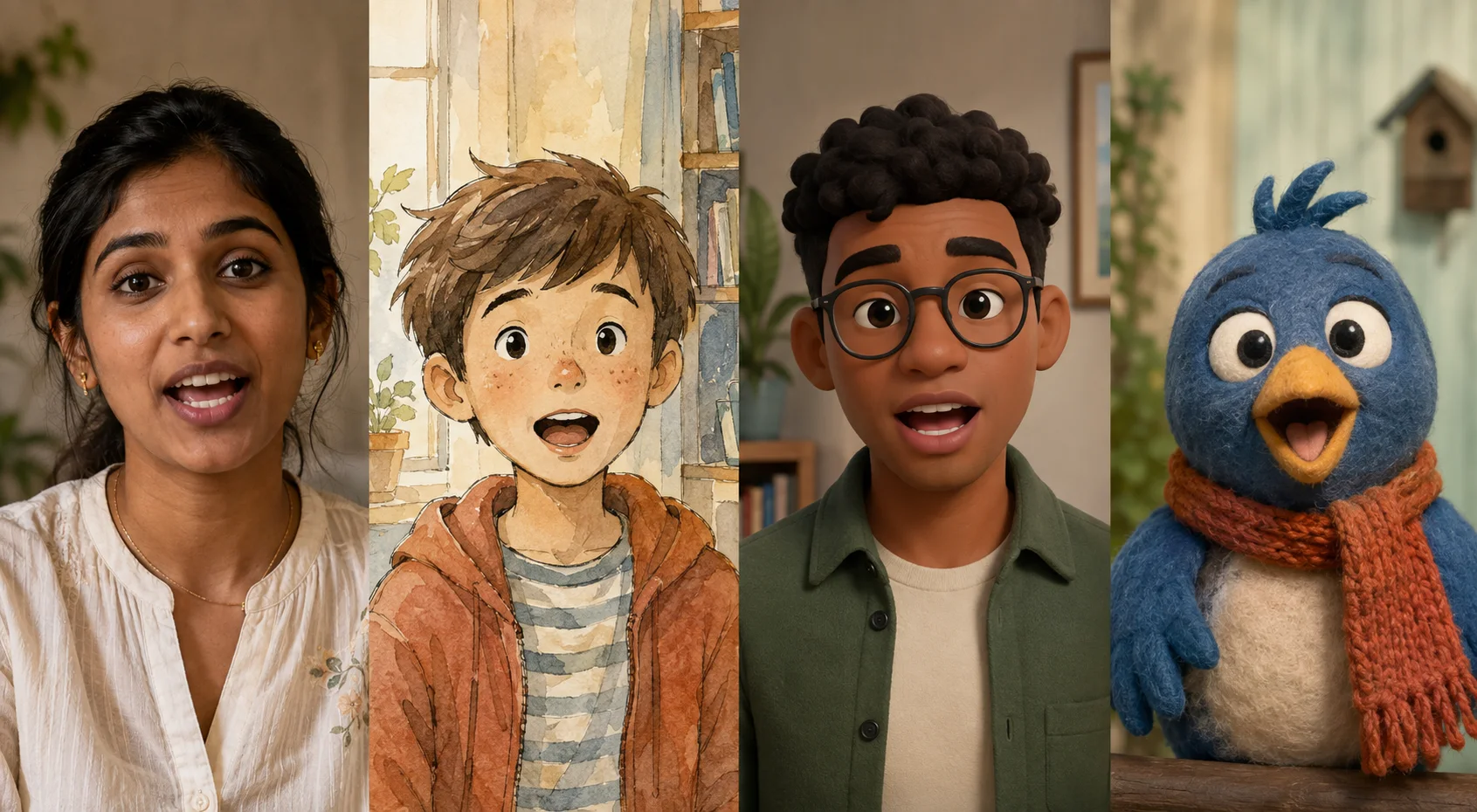
Animate Photos, Illustrations, and Avatars
Use a real portrait, 2D illustration, 3D character, cartoon, or stylized animal with a recognizable face. Front-facing and slight three-quarter views give the model a clearer mouth, jawline, and eye area to work from.
- Create talking videos from realistic or illustrated characters
- Reuse portraits and character art already made for a project
- Choose an image with one clear, unobstructed face
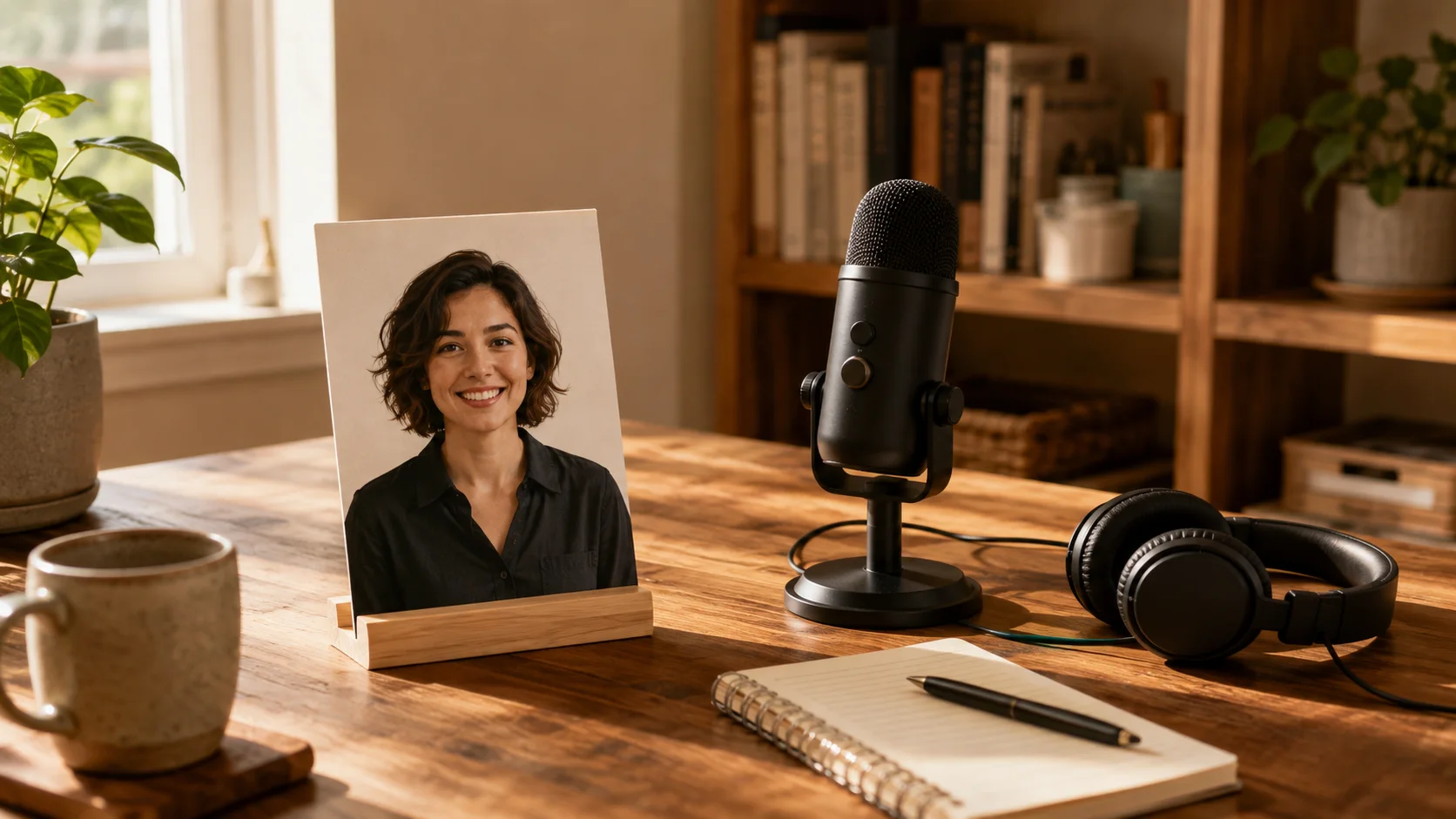
Create Presenter Clips Without Recording New Footage
Use a portrait or character image when you have a finished voice recording but no matching on-camera video. The generated MP4 follows the length of the uploaded audio and can be previewed before download.
- Make short explainers, announcements, and narrated character clips
- Work with uploaded audio from 2 to 60 seconds
- Preview the result with sound and download it as an MP4
Ways to Use an AI Talking Photo Generator
A talking photo is useful when the voice is ready but the video still needs a visible speaker. These are practical ways to use one image across different kinds of content.
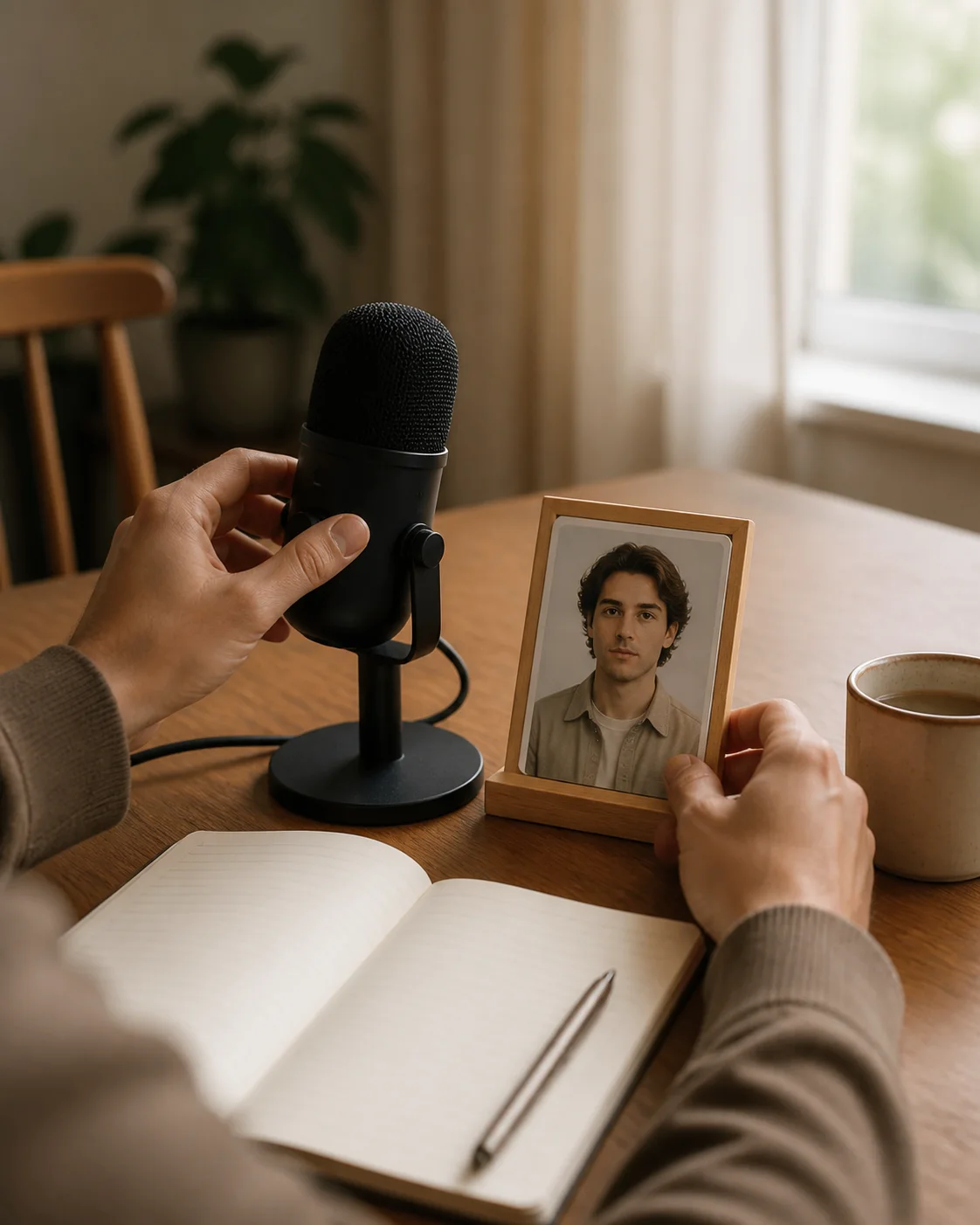
Voice-Led Content Without Appearing on Camera
Pair podcast soundbites, commentary, or voiceover recordings with a portrait or avatar. This gives the audio a visible speaker without recording a new talking-head performance.
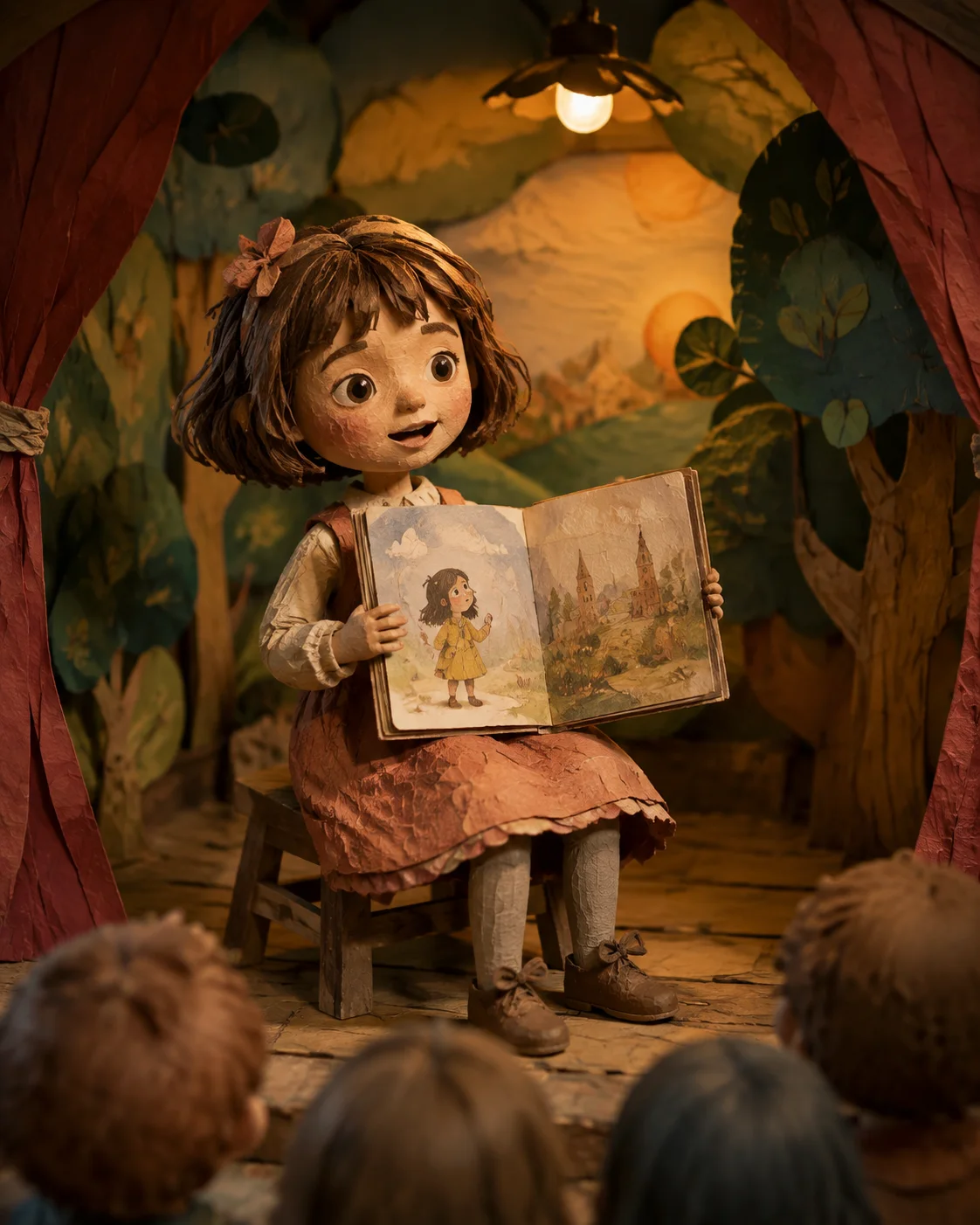
Character Dialogue and Storytelling
Add spoken lines to 2D illustrations, game characters, storybook drawings, and digital avatars. Use the resulting clips in character previews, short story moments, or animation drafts.

Virtual Presenters and Brand Mascots
Use a recurring mascot, illustrated guide, or digital spokesperson for product announcements and short feature explainers without filming a presenter for every update.
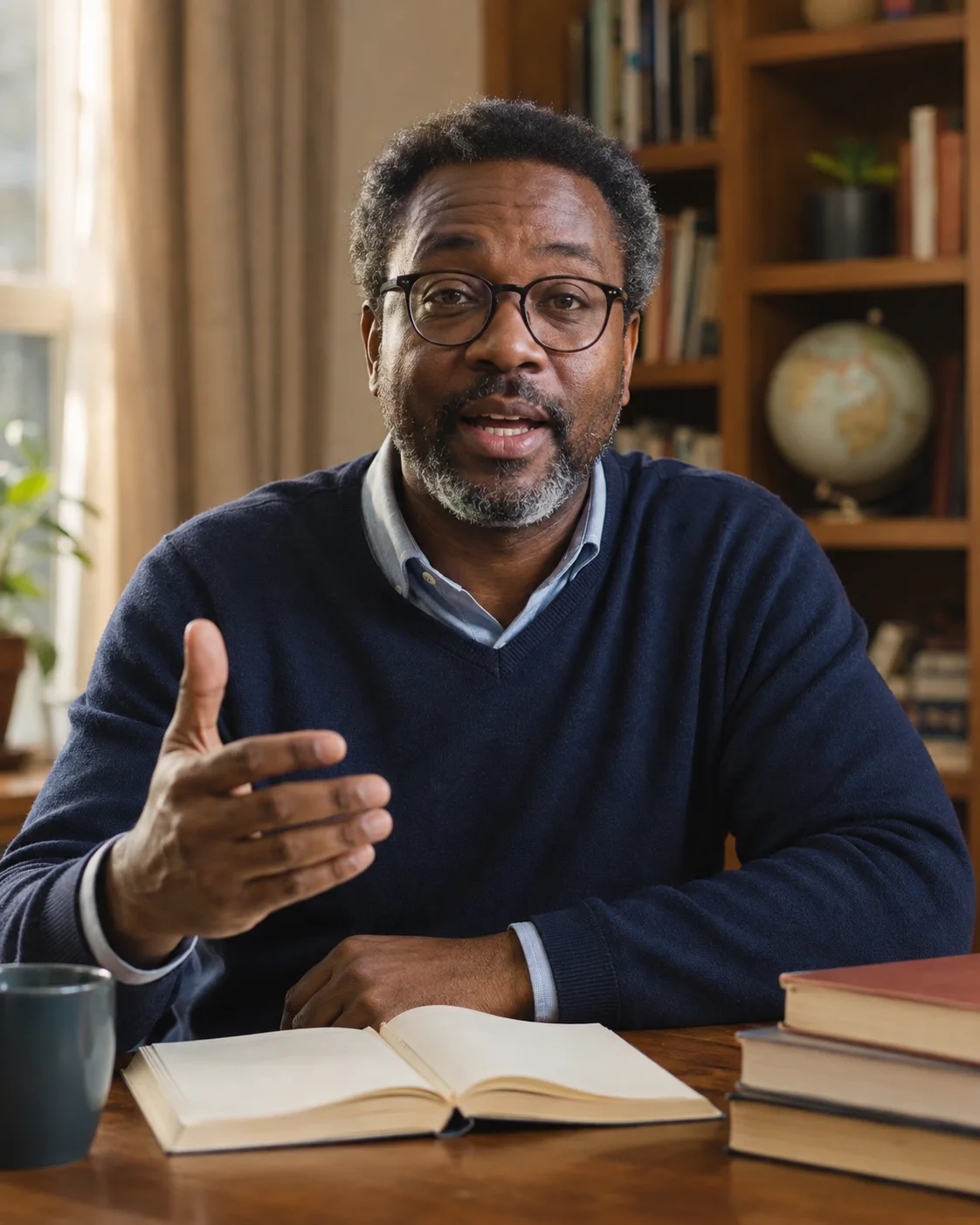
Course Narration and Educational Clips
Pair lesson narration with the same instructor image or character across online courses, language exercises, and internal training clips.
Prepare Images and Audio for Better Talking Photo Results
A clear face and clean speech recording give the generator more useful information. Check these details before generating to reduce common problems around the mouth and face.
Photo Guidelines
JPG · PNG · WebP · Up to 10MBUse a portrait with a front-facing or slight three-quarter angle. Ensure the mouth, jawline, and eyes are unobstructed by hands, microphones, or heavy shadows.
The generator accepts real portraits, 2D artwork, 3D avatars, illustrations, and stylized animals. Choose a source with one recognizable face rather than a crowded group image.
Use a sharp image with even light across the face. Heavy shadows, blur, or very small facial details can make the mouth harder to interpret.
Audio Guidelines
MP3 · WAV · M4A · AAC · 2 to 60sUse a recording where the speaker is easy to hear. Loud music, strong echo, or several people speaking at once can make the dialogue harder to follow.
Upload an audio recording from 2 to 60 seconds. The length of the talking video follows the uploaded audio track.
A clear conversational pace gives the generator more distinct speech to follow than rushed or very quiet audio.
How to Use the AI Talking Photo Generator in 3 Steps
Generate a speaking character video from your image and audio in three straightforward steps.
Upload Your Character Image
Select a photo, digital illustration, avatar, or stylized character image from your device and upload it to the studio workspace.
Add Your Spoken Audio Track
Upload a 2 to 60 second voice recording in MP3, WAV, M4A, AAC, or OGG format containing the spoken dialogue or voiceover.
Generate and Download Your Video
Click generate, then preview the completed MP4 with sound. Check the mouth movement and overall expression before downloading the file.
Frequently Asked Questions About AI Talking Photo
Find practical answers about photo formats, audio requirements, differences from video lip sync, and commercial usage.
An AI Talking Photo Generator combines one character image with an uploaded speech recording. It creates a video in which the subject appears to speak along with the audio and may add movement around the face and head.
Create a Talking Video from a Photo and Audio
Upload one portrait, illustration, or character image with a speech recording, then preview the result in your browser.
2 to 60 second audio · MP4 output · 15 credits per second